


| Note: | these screen shots were made with version 2.0 of the Scriptomatic tool. Version 1 is no longer available for download. Screen shots of version 1 can still be seen here. |
Start the Scriptomatic tool...
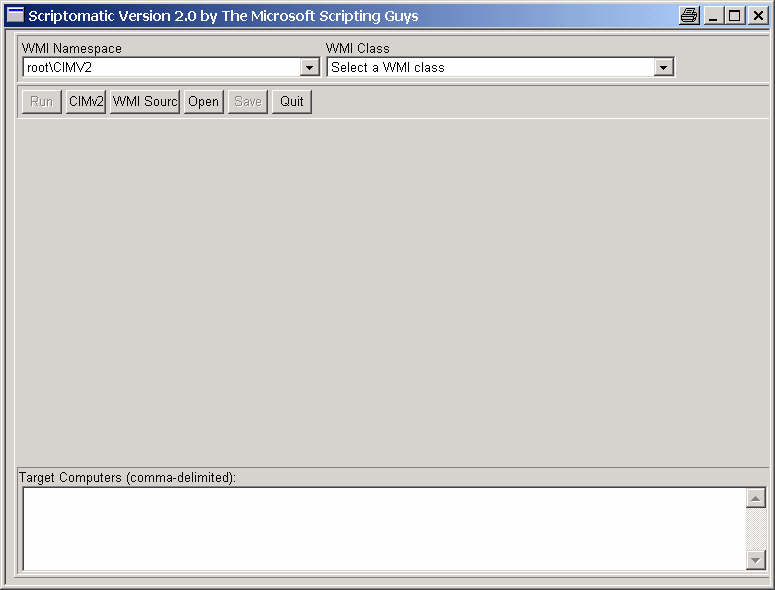
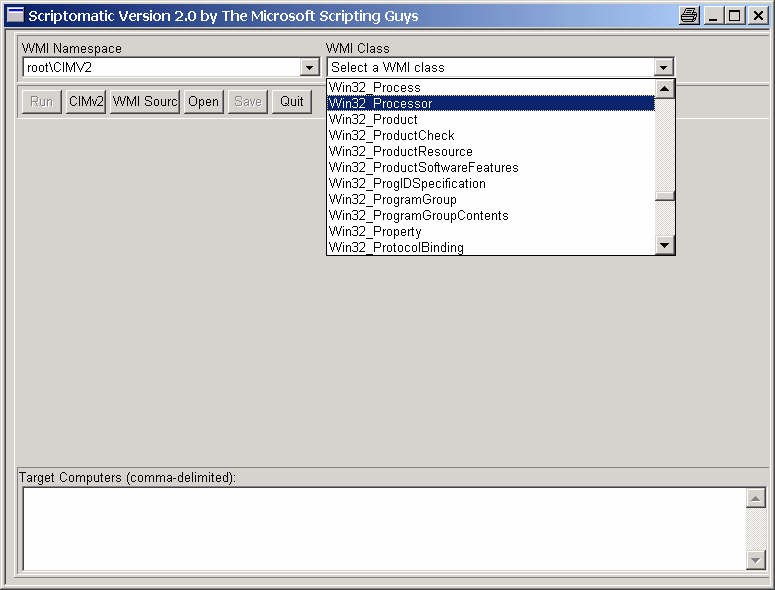
...select a class...
...stretch the window and select an output format, like HTML...
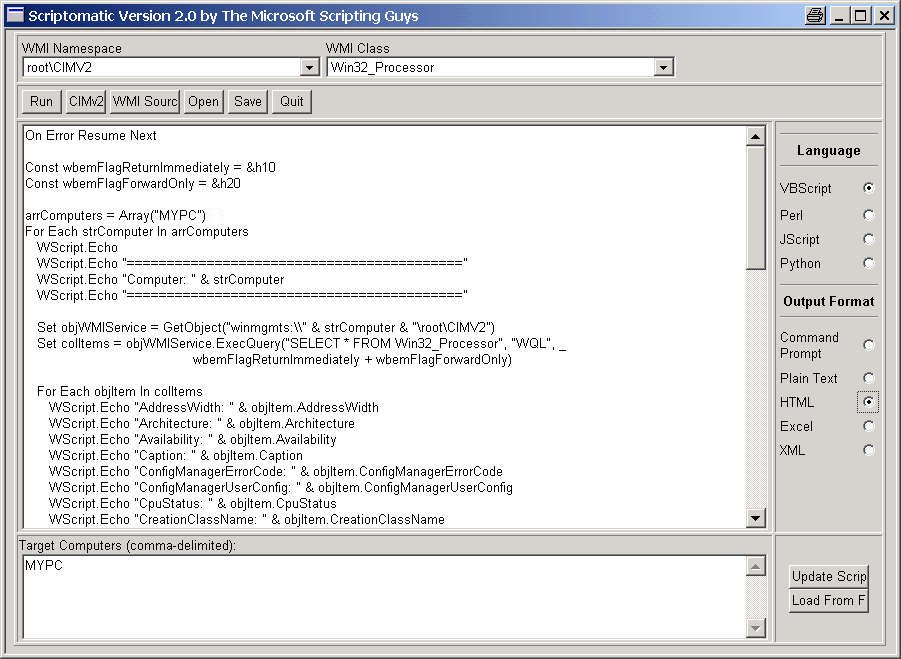
...press "Run"...
| Property | Value |
|---|---|
| Computer | MYPC |
| AddressWidth | 32 |
| Architecture | 0 |
| Availability | 3 |
| Caption | x86 Family 15 Model 0 Stepping 7 |
| ConfigManagerErrorCode | |
| ConfigManagerUserConfig | |
| CpuStatus | 1 |
| CreationClassName | Win32_Processor |
| CurrentClockSpeed | 1506 |
| CurrentVoltage | 17 |
| DataWidth | 32 |
| Description | x86 Family 15 Model 0 Stepping 7 |
| DeviceID | CPU0 |
| ErrorCleared | |
| ErrorDescription | |
| ExtClock | 100 |
| Family | 2 |
| L2CacheSize | 256 |
| L2CacheSpeed | 1507 |
| LastErrorCode | |
| Level | 15 |
| LoadPercentage | 2 |
| Manufacturer | GenuineIntel |
| MaxClockSpeed | 1506 |
| Name | Intel(R) Pentium(R) 4 CPU 1500MHz |
| OtherFamilyDescription | |
| PNPDeviceID | |
| PowerManagementCapabilities | |
| PowerManagementSupported | False |
| ProcessorId | 3FEBF9FF00000F07 |
| ProcessorType | 3 |
| Revision | 7 |
| Role | CPU |
| SocketDesignation | PGA 423 |
| Status | OK |
| StatusInfo | 3 |
| Stepping | 7 |
| SystemCreationClassName | Win32_ComputerSystem |
| SystemName | MYPC |
| UniqueId | |
| UpgradeMethod | 4 |
| Version | Model 0, Stepping 7 |
| VoltageCaps |
...and watch the result.
If you are satisfied with the result, return to the Scriptomatic window and press "Save" to save the script.
You may also choose a remote computer or even multiple computers, and/or a different output format and/or scripting language.
page last modified: 2015-12-04; loaded in 0.0042 seconds


